
Use this merge PDF tool to join two or more PDF files into one, in the order you set. Pages are copied across unchanged, so text stays selectable and drawings stay sharp.
The joining happens in your browser with the pdf-lib library. Lecture notes, tutorial sheets and signed forms are never uploaded, and there is no page or file limit beyond what your device’s memory can hold.
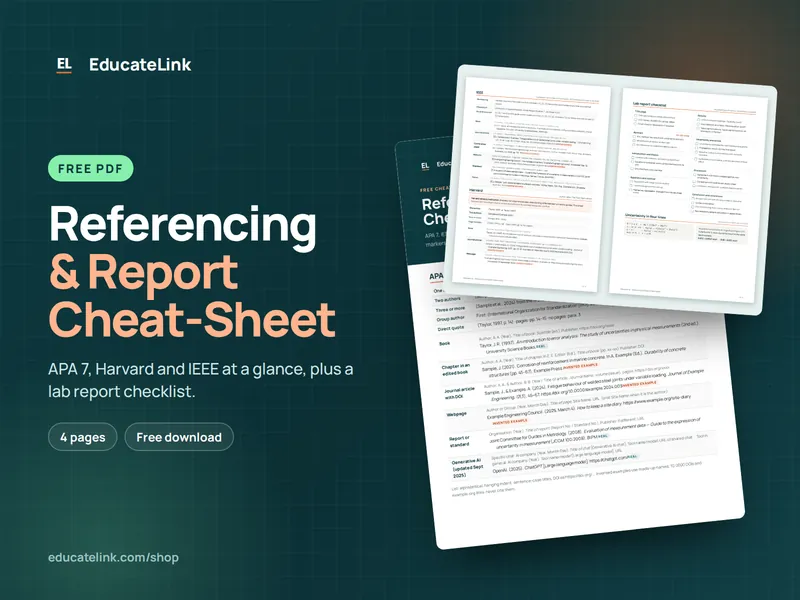
Referencing & Report Cheat-Sheet
A free 4-page PDF: APA 7, Harvard and IEEE at a glance, plus a lab report checklist.
How to use it
- Click Choose PDF files or drag your PDFs onto the box. Files you add later go to the end of the list.
- Check the numbered list. Use the ↑ and ↓ buttons to change the order and × to remove a file.
- Click Merge PDFs. You need at least two files.
- Click Download to save
merged.pdf. The result line shows its size and total page count.
How the merge works
pdf-lib opens each file in list order, copies every page into a new document and saves it with compressed object streams. Nothing is redrawn or re-compressed, so images and text are exactly as they were. Each page keeps its own size, so an A4 page next to a US Letter page stays as it is.
Only pages come across. Bookmarks and the form structure of the source files are not copied, so a merged form may stop being fillable.
Any encrypted PDF is refused, including files that open without a password but restrict editing or printing.
Example: lecture notes plus a tutorial sheet
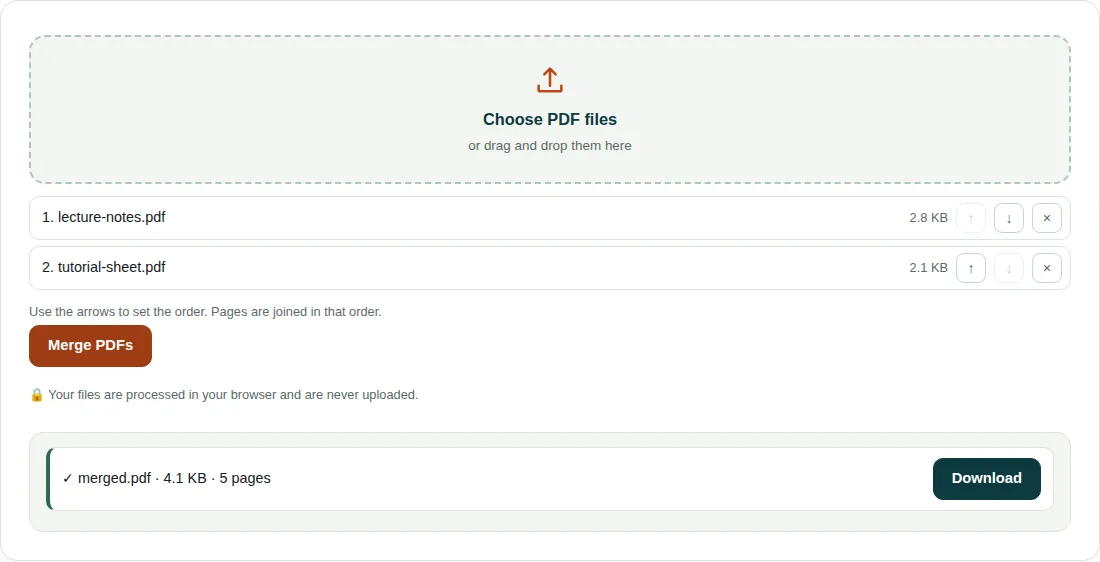
lecture-notes.pdf: 3 A4 pages, 2.8 KB.tutorial-sheet.pdf: 2 A4 pages, 2.1 KB.- With the lecture notes first, pages 1–3 of the output are the lecture and pages 4–5 are the tutorial.
- The merged file has 3 + 2 = 5 pages and is 4.1 KB, slightly less than the 4.9 KB of the two inputs added together.
Before you merge
- To reorder or drop pages inside one file, run it through Split PDF first. Typing
3, 1, 2there rebuilds the file in that page order. - Scanned pages keep their full size. If the merged file is too big for an upload portal, put it through Compress PDF afterwards.
- Every file is held in memory while the tool works. On a phone, merge large scans in small batches.
Questions people ask
Is it safe to merge PDFs online?
With this tool your files never leave your device. The merge runs in your browser with the pdf-lib library, and nothing is uploaded or stored on a server. The only download is the library script itself, fetched from this site when you first click Merge PDFs.
How do I change the order of PDFs before merging?
Use the ↑ and ↓ buttons next to each file. The numbers show the final order, and pages are joined file by file in that order. To change the page order inside one file, use Split PDF first.
Can I merge password-protected PDFs?
No. Any encrypted PDF is refused with a message, including files that open without a password but block editing. Remove the protection in a PDF program where you have the password, save a copy and add that copy here.
Related tools
- Split PDF: Extract pages or split a PDF into separate files.
- Compress PDF: Make a PDF smaller for email and upload limits.
- Images to PDF: Combine photos or scans into a single PDF.