
This QR code generator makes a code for a website link or plain text, a Wi-Fi network, an email address or a phone number. It draws the code in your browser as you type, ready to download as a PNG for screens or an SVG for print.
The link or text is stored in the pattern itself, with no redirect service in between, so the code never expires and scans are not tracked.
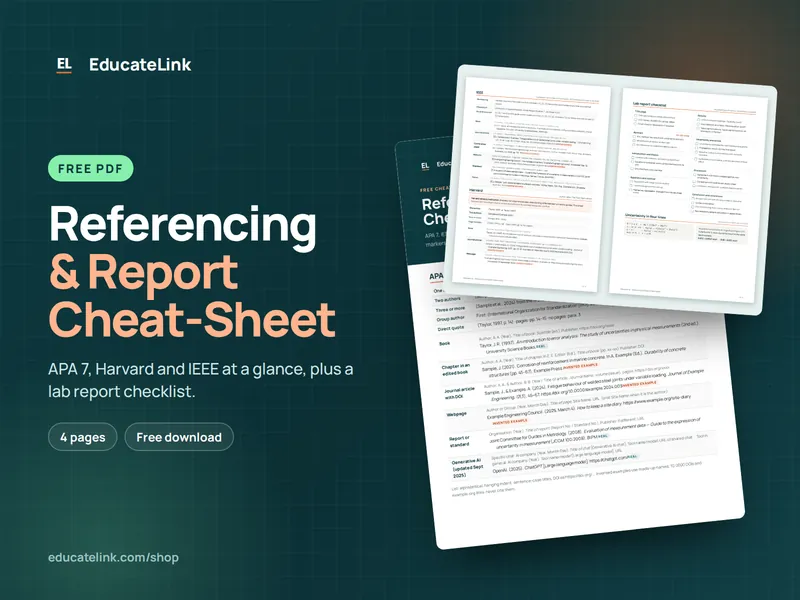
Referencing & Report Cheat-Sheet
A free 4-page PDF: APA 7, Harvard and IEEE at a glance, plus a lab report checklist.
How to use it
- Under QR code for, choose Website link or text, Wi-Fi network, Email or Phone number.
- Fill in the fields shown, such as Link or text, or Network name (SSID), Password and Security.
- Pick the Error correction level. Medium (15%) is the default.
- Change Colour and Background if you like, keeping the code dark on light.
- Click Download PNG or Download SVG (for print) and test the file with your phone.
What goes into the code
| QR code for | Text stored |
|---|---|
| Website link or text | Exactly what you typed |
| Wi-Fi network | WIFI:T:WPA;S:name;P:password;; (T:WEP, or T:nopass with no password for open networks) |
mailto:address?subject=… | |
| Phone number | tel: plus digits and +, with spaces and dashes removed |
Special characters (\ ; , : “) in a Wi-Fi name or password are escaped with a backslash. The text is encoded as UTF-8 and the smallest QR version that fits at your error correction level is used; version v is 4v + 17 modules square. The PNG gives each module 10 px inside a 4-module quiet zone. The largest code, version 40, holds 2,953 bytes at Low, 2,331 at Medium, 1,663 at Quartile and 1,273 at High.
Worked example: a 24-character link
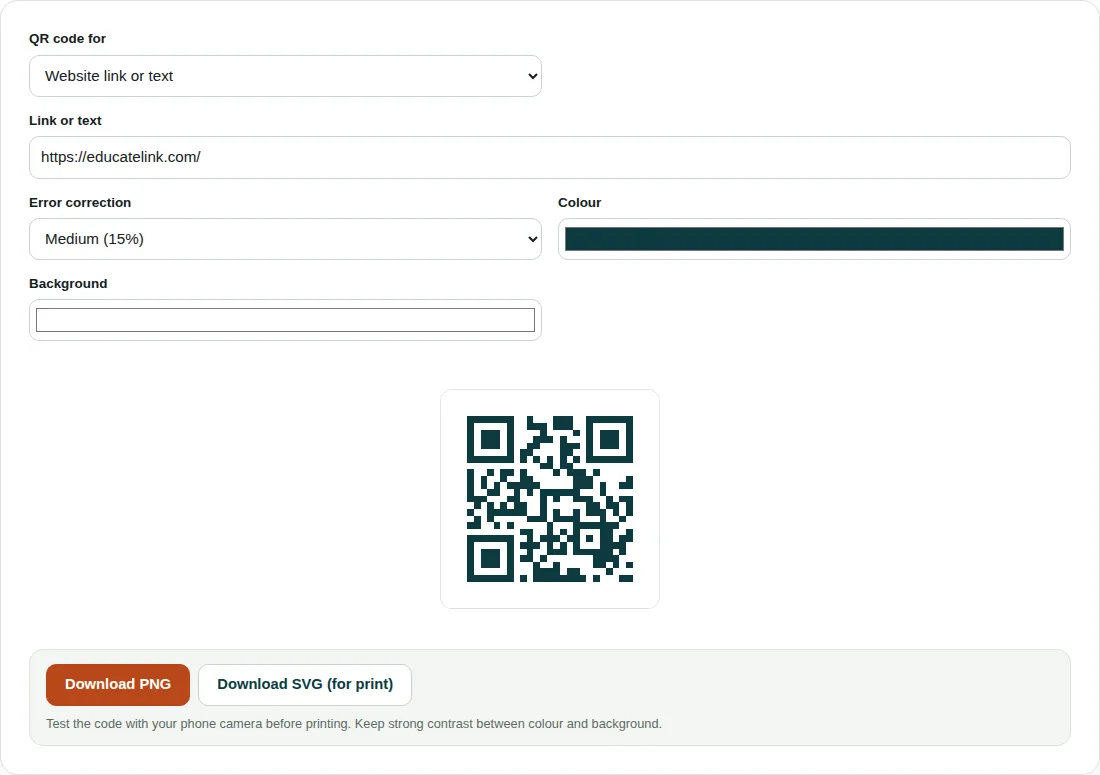
- The default link, https://educatelink.com/, is 24 ASCII characters, so 24 bytes.
- At Medium, version 1 holds only 14 bytes and version 2 holds 26, so the code is version 2: 4 × 2 + 17 = 25 × 25 modules.
- With the quiet zone: 25 + 2 × 4 = 33 modules × 10 px = a 330 × 330 px PNG.
- Low keeps version 2. Quartile or High need version 3: 29 × 29 modules and a 370 × 370 px PNG.
Before you print it
- Scan the downloaded file with a phone before printing a batch. The tool does not check colour contrast.
- Some scanner apps cannot read light-on-dark codes.
- A Wi-Fi code holds the password as plain text. Anyone who scans it can read it.
- A printed code cannot be edited. If the page moves, make a new one.
Questions people ask
Do QR codes from this generator expire?
No. The link or text is written into the code itself, not routed through a short-link service, so nothing can be switched off. The code only stops being useful if the page it points to is taken down or moved.
How do I make a QR code for Wi-Fi?
Choose Wi-Fi network, type the network name exactly (capitals matter), enter the password and pick the Security type. Most phone cameras offer to join the network when they scan it. Test it before you pin it up.
Which QR code error correction level should I use?
Medium (15%) suits screens and clean prints. High (30%) recovers more of a scuffed or dirty code, so it suits posters and labels, but it adds modules: the example link grows from 25 × 25 to 29 × 29. Low (7%) keeps long text smallest.
Related tools
- Image Converter: Convert images between JPG, PNG and WebP.
- Images to PDF: Combine photos or scans into a single PDF.
- Image Compressor: Shrink and resize photos without visible quality loss.